English Lover
Your Digital Flashcard & Dictionary.

Your Digital Flashcard & Dictionary.


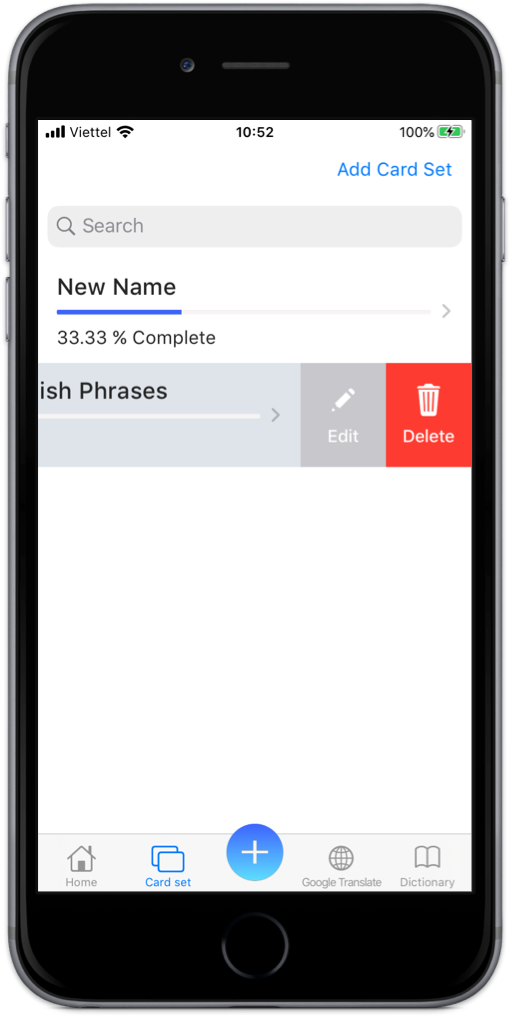
Swipe left on a card set or on a card to edit or delete.
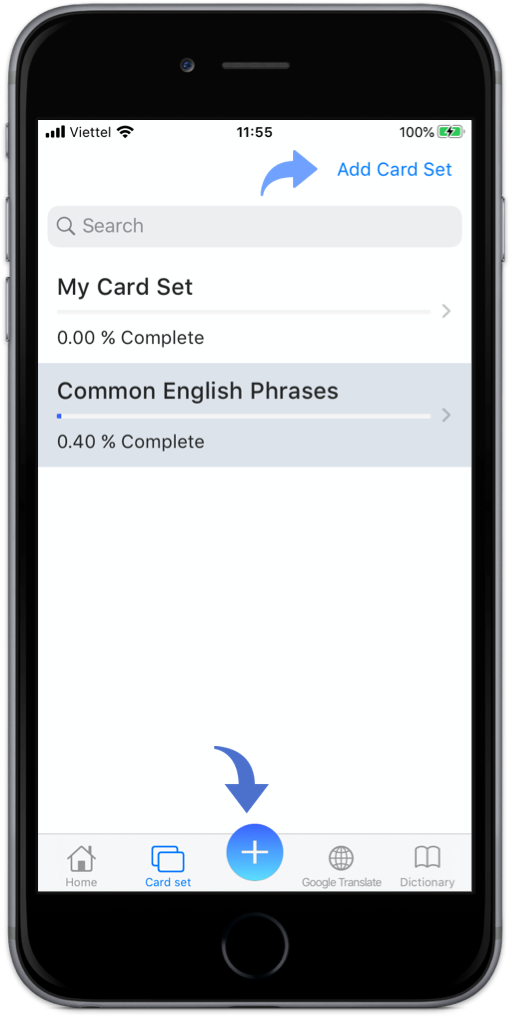
Click on Plus icon to create new Card.
(With any picture you add in new card,
the app can show the English word of main object in the image)
Click on "Add Card Set" Button to create new Card Set
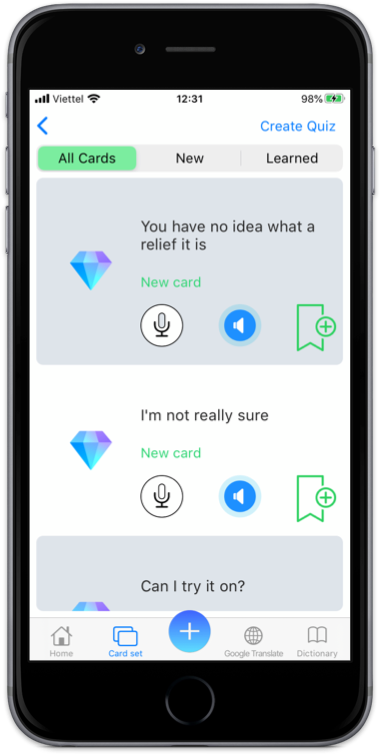
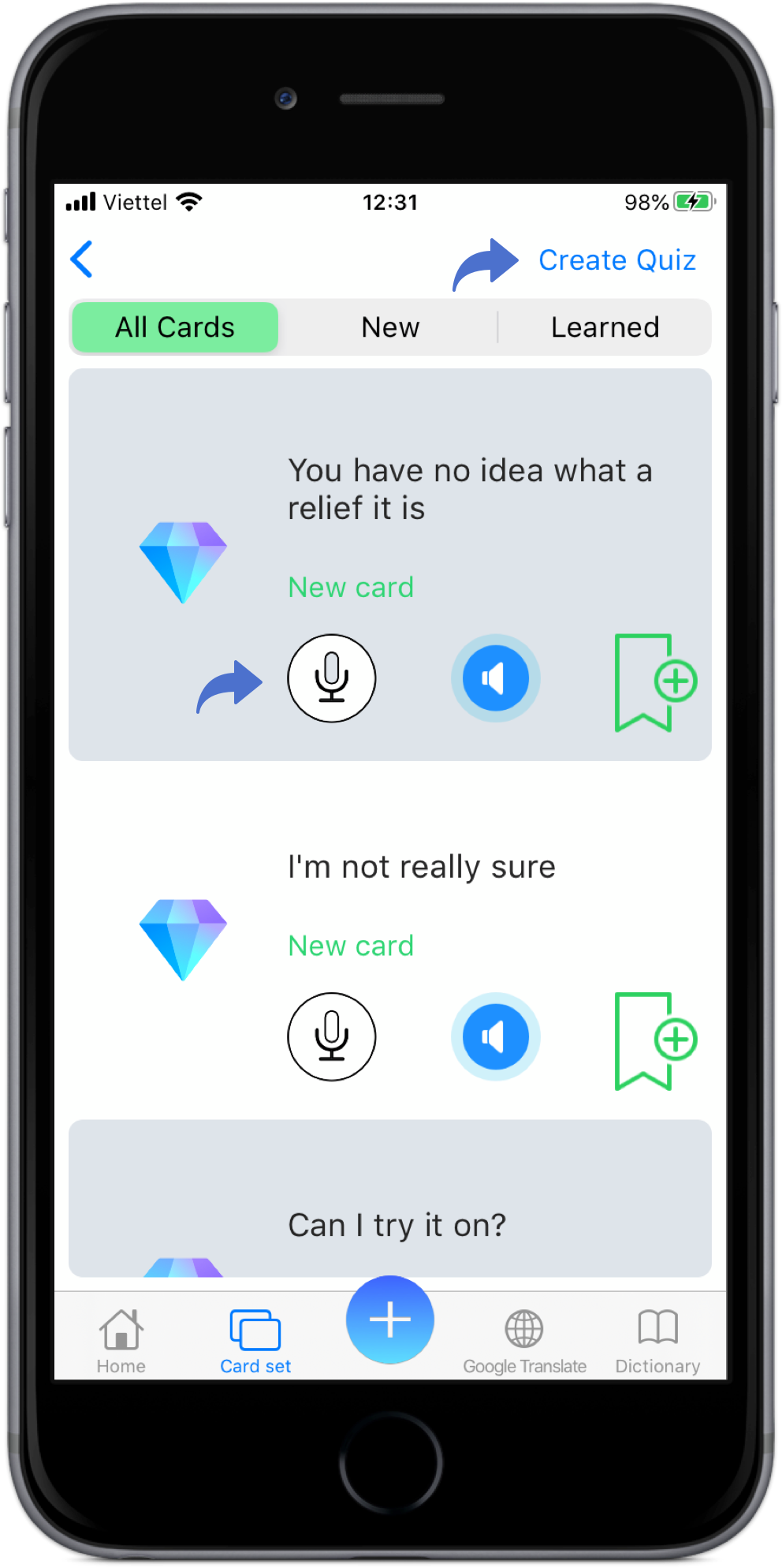
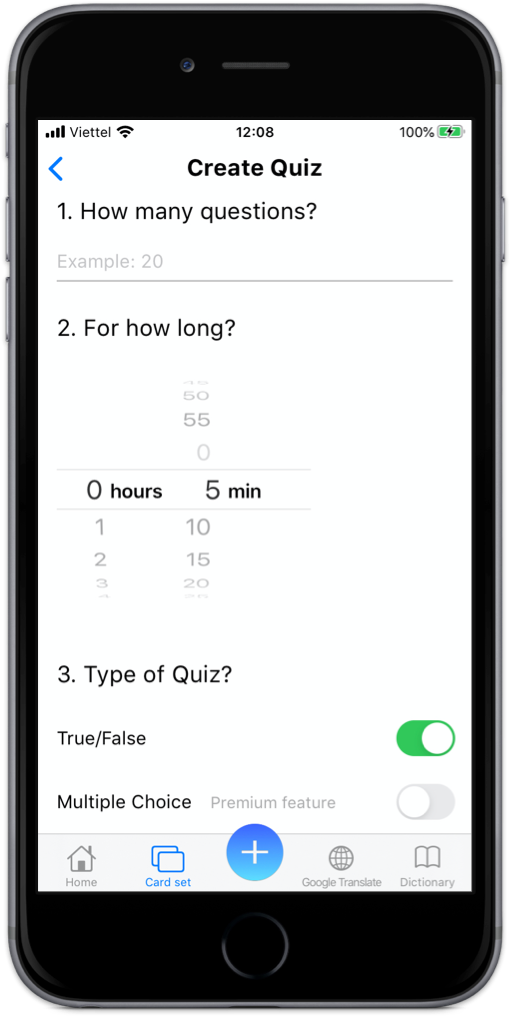
Click on "Create Quiz" button to create your own Quiz to Practice.
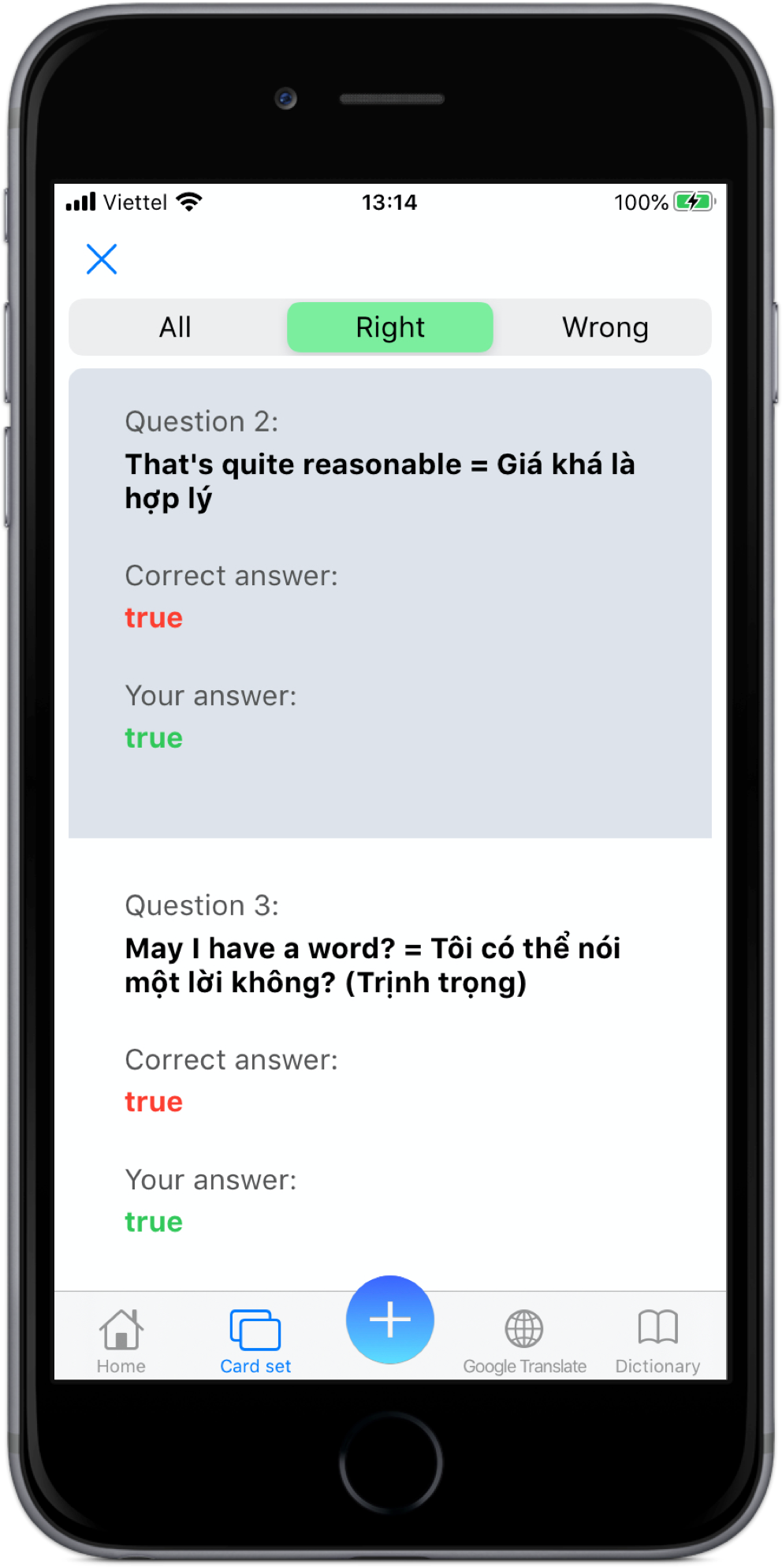
(Your quiz result will show in detail if you like)
Click on a Card to show word's definition.
Click on Record button to practice pronunciation
Click on Speaker button to know how it pronounce
Click on Book Mark button to mark it as learned card, click again to unmark it
With just a few clicks and your Quiz is ready
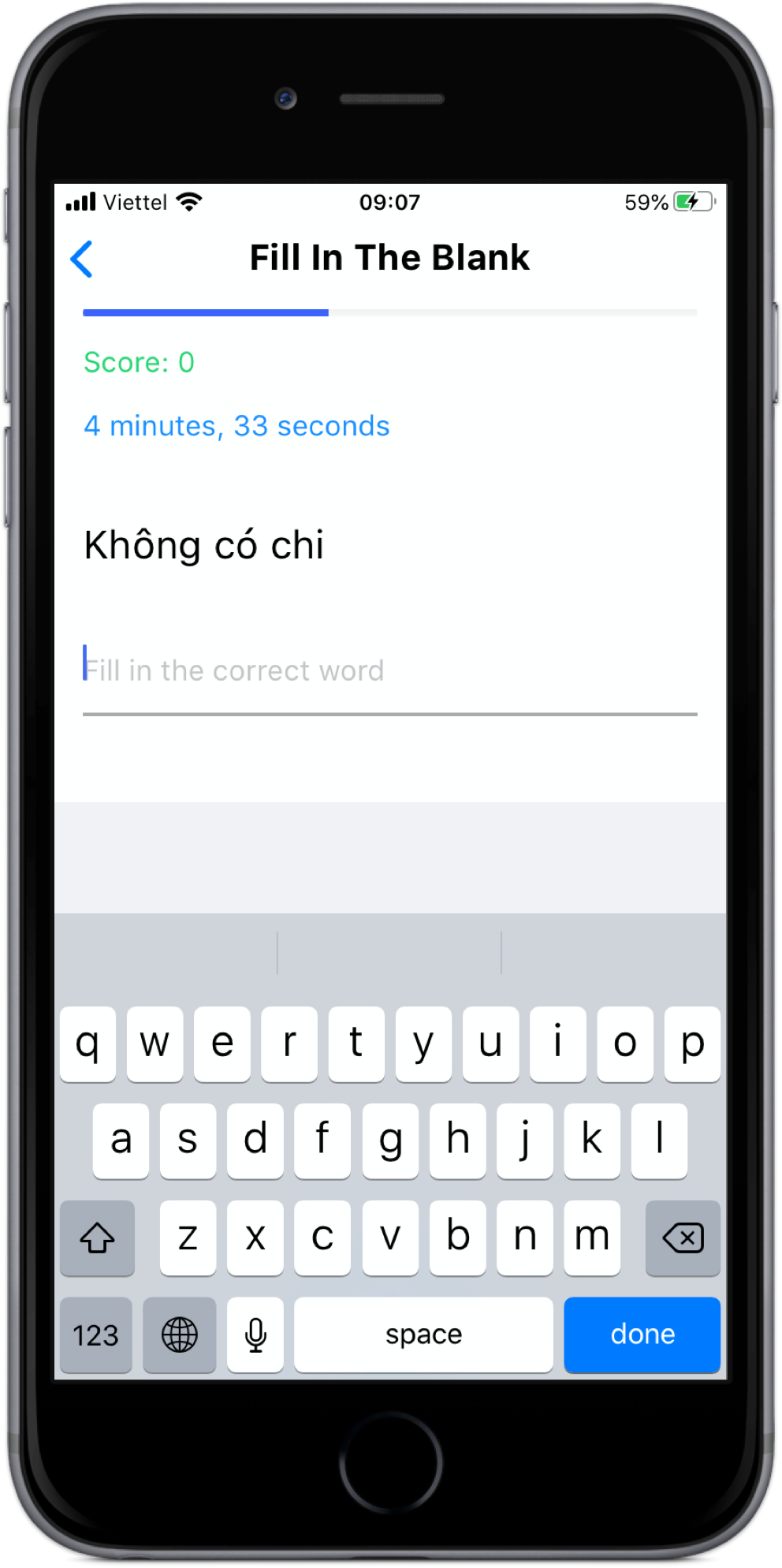
You can practice your writing skill when you choose Fill In The Blank
See Quiz Result at the end of the Quiz